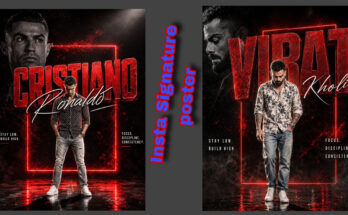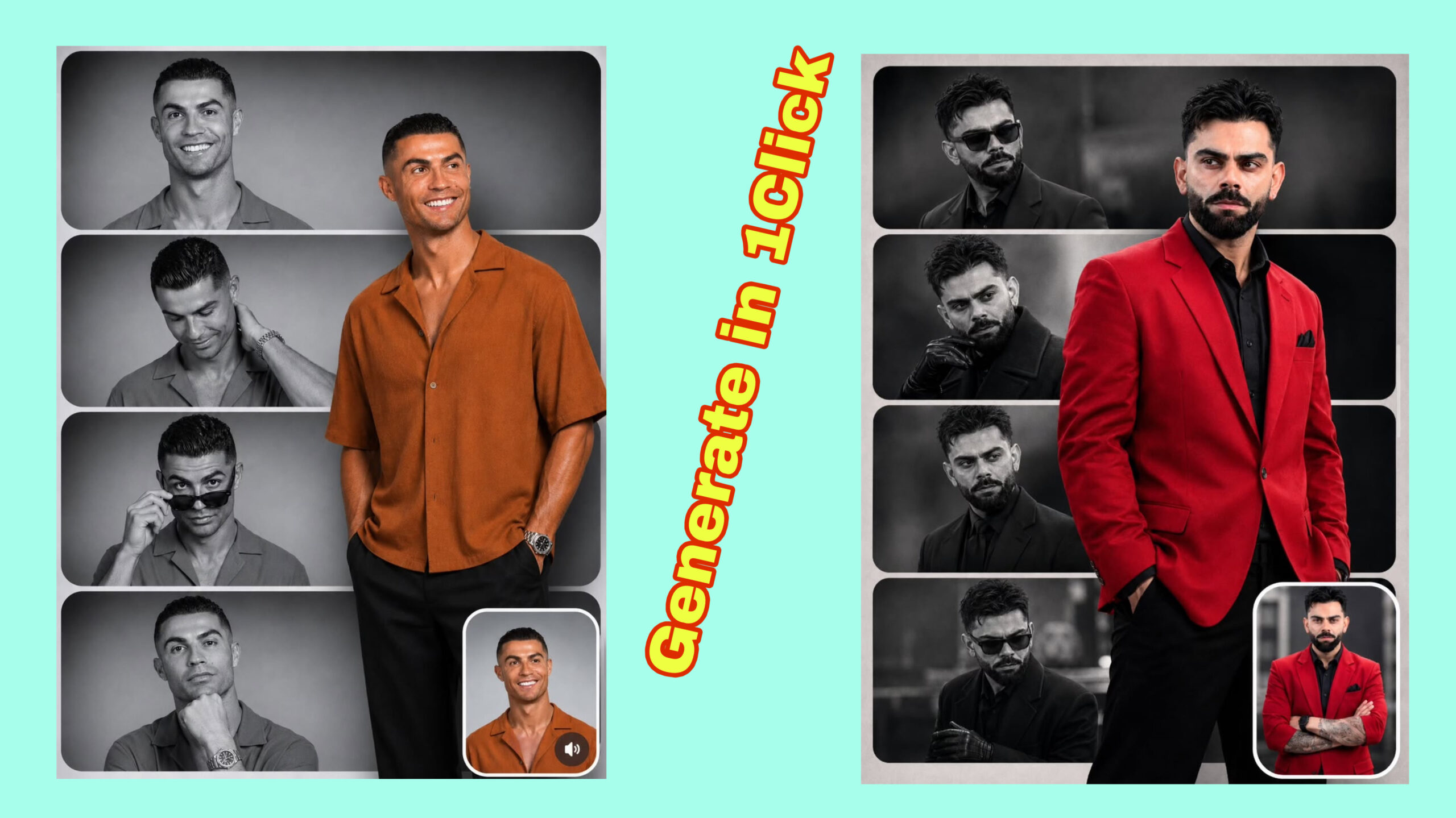
In the world of graphic design, visual storytelling has become more powerful than ever. Brands, artists, magazines, and social media creators are constantly searching for creative ways to communicate ideas through eye-catching visuals. One design style that has gained massive popularity is the editorial collage poster.
An editorial collage poster combines photography, typography, textures, illustrations, shapes, and artistic elements to create a unique visual composition. Inspired by magazine layouts, fashion editorials, vintage posters, and modern digital art, this style allows designers to express emotions, concepts, and stories in a creative way.
Whether you are a beginner graphic designer, content creator, social media artist, or professional designer, learning how to create editorial collage posters can help you develop a strong visual identity and produce professional-looking artwork.
In this guide, you will learn everything about how to create an editorial collage poster, including design principles, tools, creative techniques, step-by-step processes, and expert tips to make your posters stand out.
What Is an Editorial Collage Poster?
An editorial collage poster is a type of graphic design artwork that combines different visual elements to communicate a message or concept. The word “editorial” comes from magazine and publication design, where visuals are carefully arranged to support a story or theme.
Unlike traditional posters that may focus on a single image or simple text, editorial collage posters usually include multiple layers such as:
- Main photography
- Cut-out images
- Bold typography
- Abstract shapes
- Textures
- Handwritten elements
- Vintage effects
- Digital illustrations
- Experimental layouts
The goal is not only to make something beautiful but also to create a visual narrative.
For example, a fashion editorial collage poster might combine a model photo, luxury typography, magazine-style text blocks, and abstract textures to create a premium aesthetic.
Why Are Editorial Collage Posters Popular?
Editorial collage design has become popular because it offers unlimited creative freedom. Designers can mix different styles, eras, and concepts to create something completely original.
Some reasons for its popularity include:
1. Strong Visual Impact
A well-designed collage poster immediately grabs attention. The combination of different elements creates curiosity and encourages viewers to explore the design.
2. Perfect for Digital Content
Editorial collage posters work extremely well for:
- Instagram posts
- Pinterest designs
- Album covers
- Fashion campaigns
- Event promotions
- Brand advertisements
- Website banners
3. Expressive Storytelling
A collage allows designers to communicate complex ideas without using too much text. Every image, color, and texture contributes to the overall message.
4. Modern Artistic Style
Many contemporary designers use collage techniques because they create a unique combination of traditional art and digital design.
Step 1: Choose Your Concept and Theme
Before opening any design software, the first step is deciding your concept.
A strong editorial collage poster always starts with a clear idea.
Ask yourself:
- What story do I want to tell?
- What emotion should the viewer feel?
- What is the main subject?
- What style fits the message?
Some popular editorial collage themes include:
- Fashion editorial
- Futuristic technology
- Minimal luxury
- Retro vintage
- Surreal art
- Music posters
- Travel concepts
- Cultural themes
- Abstract experiments
For example:
A futuristic AI poster could use metallic textures, digital elements, futuristic fonts, and glowing effects.
A vintage magazine poster could use old paper textures, classic typography, and faded colors.
Step 2: Collect Your Design Materials
The next step is gathering visual resources.
A collage poster depends heavily on the quality of your assets.
You can collect:
Images
Choose high-quality images with strong composition.
Examples:
- Portrait photography
- Architecture
- Nature elements
- Objects
- Fashion images
Textures
Textures add depth and personality.
Popular choices include:
- Paper texture
- Film grain
- Noise effects
- Paint strokes
- Scratches
- Fabric textures
Typography Elements
Editorial posters often use creative text arrangements.
Collect:
- Bold headlines
- Magazine-style text
- Small information text
- Numbers
- Quotes
Remember that every element should support your concept.
Step 3: Select the Right Design Tool
You can create editorial collage posters using different tools depending on your skill level.
Adobe Photoshop
Adobe Photoshop is one of the most popular choices for professional collage design.
It provides:
- Advanced layering
- Image manipulation
- Blending modes
- Masking tools
- Color adjustments
Adobe Illustrator
Illustrator is useful for:
- Vector shapes
- Typography
- Clean graphic elements
Canva
Canva is beginner-friendly and offers:
- Ready-made templates
- Fonts
- Elements
- Easy editing tools
Figma
Figma is useful for digital designers who want a flexible workflow.
AI Design Tools
Modern AI tools can help generate:
- Backgrounds
- Artistic elements
- Image variations
- Creative concepts
However, combining AI-generated elements with your own editing usually creates more unique results.
Step 4: Create Your Poster Composition
Composition is one of the most important parts of editorial collage design.
A good composition guides the viewer’s eyes through the artwork.
Use these principles:
Balance
Arrange elements so the design feels stable.
Balance can be:
- Symmetrical
- Asymmetrical
- Minimal
Visual Hierarchy
Your poster should have a clear focal point.
Usually:
- Main image
- Main headline
- Supporting details
- Decorative elements
Negative Space
Empty space is important.
Do not fill every area. Professional designs often use empty space to create elegance.
Step 5: Add Your Main Image
Most editorial posters start with a powerful central image.
Choose an image that represents your concept.
You can:
- Remove the background
- Duplicate layers
- Add shadows
- Apply effects
- Combine multiple images
A popular technique is using cut-out portraits.
For example:
A person’s portrait can be combined with:
- Abstract shapes
- Large typography
- Color gradients
- Experimental textures
This creates a modern editorial look.
Step 6: Experiment With Typography
Typography can completely change the personality of your poster.
Editorial designs often use bold and creative text placement.
Try:
- Large oversized headlines
- Vertical text
- Text behind images
- Mixed font styles
- Different letter spacing
Popular editorial typography styles include:
Minimal Typography
Clean fonts with simple layouts.
Magazine Typography
Inspired by fashion magazines.
Experimental Typography
Creative layouts where text becomes part of the artwork.
Remember:
The font should match your concept.
Luxury posters usually use elegant fonts, while experimental posters can use unusual typefaces.
Step 7: Add Textures and Visual Effects
Textures help your poster feel less digital and more artistic.
Some useful effects include:
Grain Effect
Creates a vintage photography feeling.
Paper Texture
Adds a handmade appearance.
Glitch Effect
Creates a futuristic digital style.
Shadow Effects
Adds depth between layers.
Blur Effects
Creates movement and atmosphere.
The key is using effects carefully. Too many effects can make the design look messy.
Step 8: Use Colors Strategically
Color selection plays a major role in poster design.
Different colors create different emotions.
Examples:
Black and white:
- Luxury
- Editorial
- Classic
Bright colors:
- Energy
- Creativity
- Youth
Warm colors:
- Nostalgia
- Emotion
Cool colors:
- Technology
- Modern style
Create a color palette before finishing your design.
A strong poster usually uses a limited number of main colors.
Step 9: Create Depth With Layers
Professional collage posters often have a layered appearance.
You can create depth by placing:
- Background textures
- Main images
- Typography
- Shapes
- Decorative elements
Use different layer positions:
Behind the subject:
- Background graphics
Around the subject:
- Supporting elements
In front:
- Text and effects
This creates a 3D feeling.
Step 10: Add Editorial Details
Small details can make your poster look professional.
Add elements like:
- Date
- Location
- Small captions
- Page numbers
- Designer credits
- Magazine-style information
These details make the poster feel like a real publication design.
Popular Editorial Collage Poster Styles
1. Fashion Editorial Style
Features:
- Models
- Luxury fonts
- Clean layouts
- Premium textures
2. Vintage Collage Style
Features:
- Old photos
- Paper textures
- Retro colors
3. Futuristic Digital Style
Features:
- AI elements
- Metallic effects
- Neon colors
4. Minimal Modern Style
Features:
- Simple composition
- Large typography
- Clean backgrounds
5. Surreal Collage Style
Features:
- Dream-like scenes
- Unexpected combinations
- Artistic concepts
Common Mistakes to Avoid
Using Too Many Elements
A collage does not mean adding everything.
Every element should have a purpose.
Poor Image Quality
Low-resolution images reduce professionalism.
Weak Typography
Bad font choices can ruin an excellent concept.
No Clear Focus
The viewer should understand where to look first.
Overusing Effects
Too many filters and textures create visual confusion.
SEO Keywords for Editorial Collage Poster Design
If you are creating content about editorial collage posters, useful keywords include:
- How to create editorial collage poster
- Editorial poster design tutorial
- Digital collage art techniques
- Modern graphic design ideas
- Photoshop collage poster tutorial
- Creative poster design inspiration
- Magazine style poster design
- AI collage poster creation
Using these naturally in your content can improve search visibility.
How AI Is Changing Editorial Collage Design
Artificial intelligence has introduced new possibilities for designers.
AI tools can help with:
- Generating creative backgrounds
- Creating unique images
- Exploring design ideas
- Developing concepts faster
A modern workflow can look like:
- Generate creative assets with AI
- Edit images manually
- Combine elements in design software
- Add typography and finishing effects
AI works best as a creative assistant while human creativity controls the final design.
Final Tips for Creating Professional Editorial Collage Posters
To create high-quality editorial collage posters:
- Start with a strong concept
- Use high-quality images
- Focus on composition
- Keep typography readable
- Experiment with layers
- Use colors intentionally
- Add textures carefully
- Develop your own style
The best editorial collage posters are not created by adding more elements; they are created by combining the right elements in a meaningful way.
Conclusion
Creating an editorial collage poster is a creative process that combines photography, typography, composition, and storytelling. Whether you are designing for social media, branding, fashion, or personal artwork, this style gives you endless opportunities to experiment.
By understanding design principles, choosing the right tools, and practicing creative techniques, you can create professional-looking editorial collage posters that capture attention and communicate powerful visual messages.
For More Information Visit